< Back
Local Spiritual Assemblies can use the Officers’ Election module to elect their officers. The module can be used to elect the officers of an Assembly that was elected on the First Day of Riḍván; or, if needed, anytime during the year.
IMPORTANT: The officers elected in OBS are automatically sent to eMembership2. Therefore, there is no need to report them manually to the Bahá’í National Center, either through eMembership2 or by submitting a “Local Spiritual Assembly Officers’ Election Report Form.”
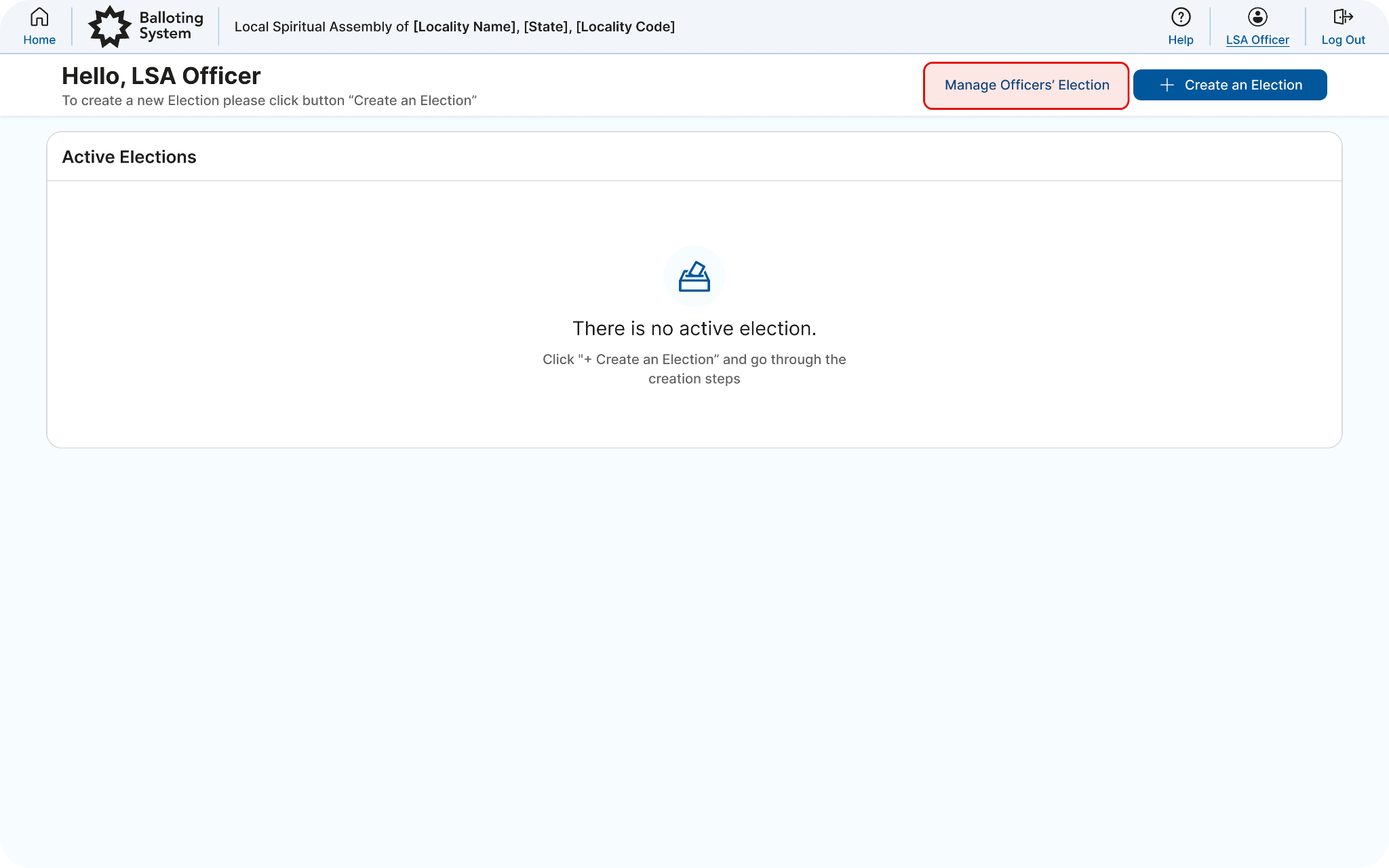
The LSA temporary contact person sets up the appointed tellers. After the Riḍván election, when the Assembly is ready to elect its officers, the temporary contact (as indicated on the election report) will need to log into OBS, using her or his OBS/BOSA account, and select the “Officers’ Election” role. Once in the dashboard, click “Manage Officers’ Election” on the dashboard header to access the Officers’ Election functions. In the “Current Officers” section of the dashboard, if any of the officer positions are already filled, you will see a name next to that position.
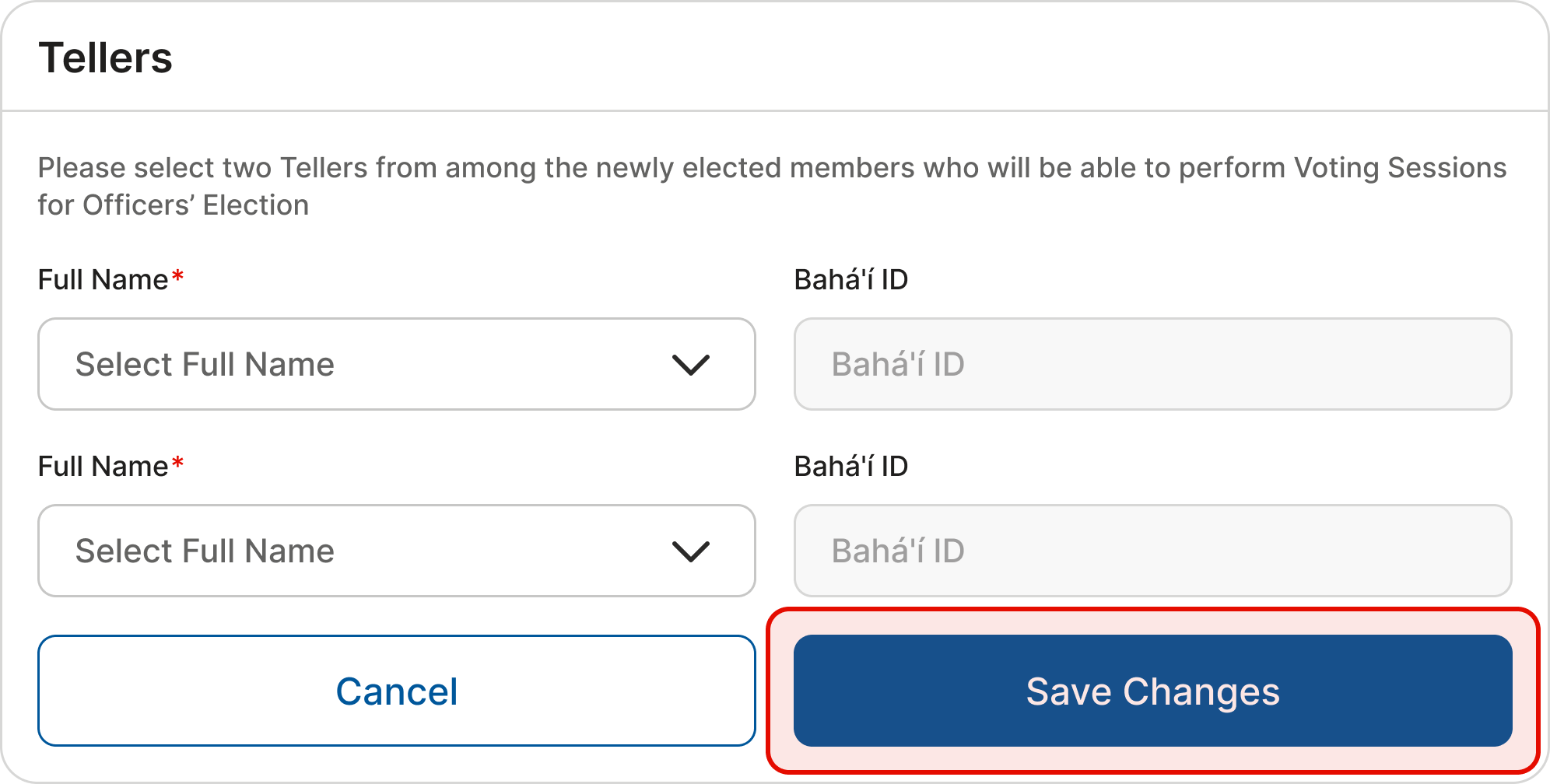
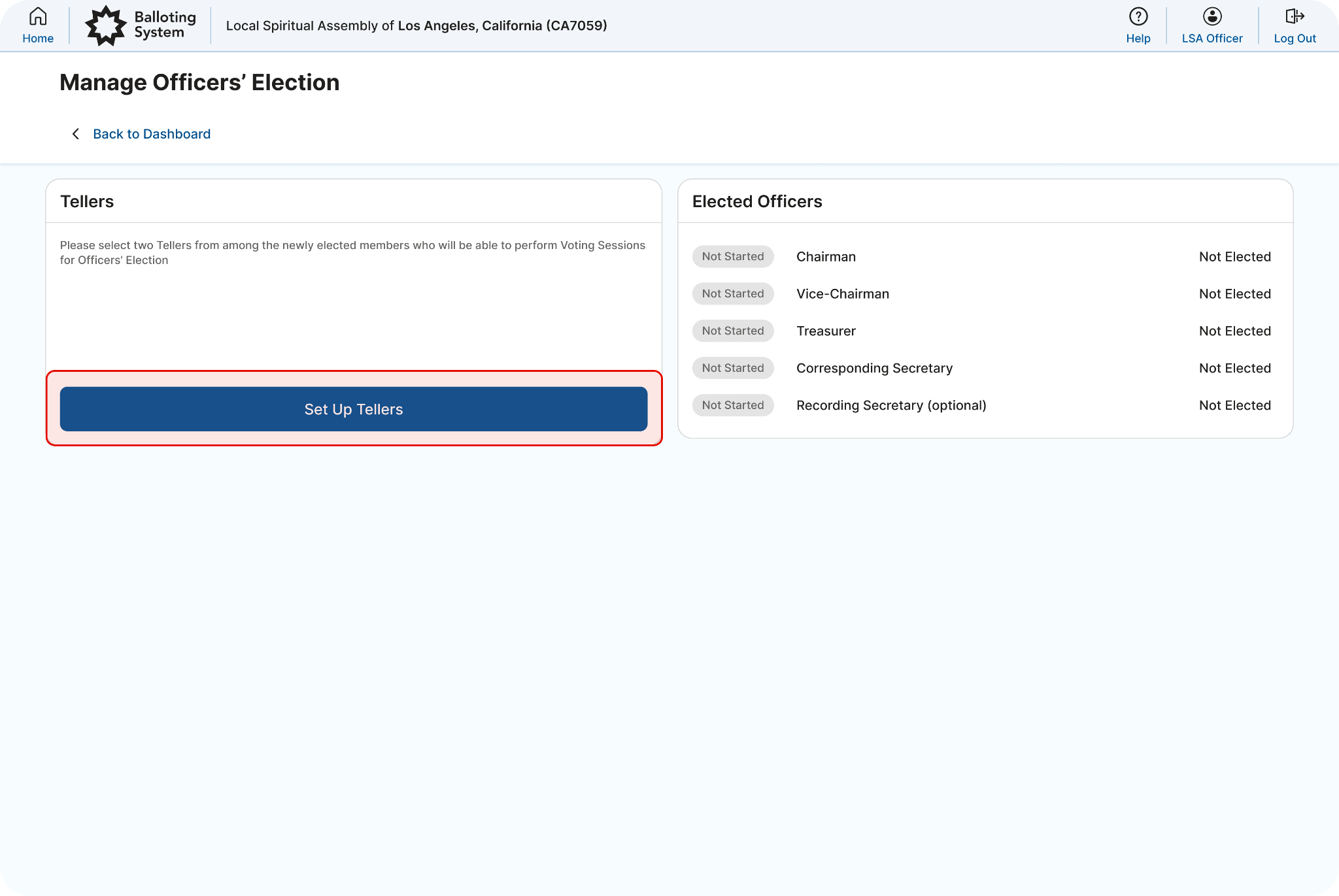
In the “Tellers” section, click on “Set Up Tellers” to enter the name of the appointed tellers. Only two Assembly members can be entered as tellers. If there is a third teller, his or her name will not need to be entered in OBS.
By clicking “Save Changes”, the appointed tellers will receive access to OBS and then be able to set up voting sessions for the open positions.